
🧑🎓 Student Tech Setup: Laptop + Tablet + Phone Guide
Why a Complete Tech Setup Matters for Students
Finding the right student tech setup in 2025 is easier than ever. Whether you’re a student juggling classes or a professional handling projects, today’s devices make it simple to stay productive. Moreover, laptops, tablets, and phones now work seamlessly together, creating a reliable ecosystem. As a result, students who combine the right tools can save time, reduce stress, and achieve better results.
Disclosure: TechChoicePro is reader-supported. When you buy through links on our site, we may earn an affiliate commission.
💻 Best Laptops for a Student Tech Setup in 2025
A laptop remains the foundation of any student tech setup in 2025. Since it handles the bulk of your assignments, research, and presentations, choosing the right one is critical. For example, some students may prioritize portability, while others care more about power. In addition, laptops now balance performance and battery life better than ever.
Top Picks:
- Best Overall: MacBook Air M4 – Ultra-portable, all-day battery, premium build for students & professionals.
- Best Budget: Acer Aspire 5 – Affordable, reliable, and powerful enough for everyday tasks.
- Best 2-in-1: Microsoft Surface Pro 10 – Tablet-laptop hybrid with touchscreen and pen support.
👉 Pro Tip: Always choose at least 8GB RAM and 256GB SSD for smooth performance.
See our Best Laptops Under $500 in 2025 for more budget-friendly choices.
📱 Tablet: Perfect for Notes & Reading
A tablet is the ultimate companion for note-taking and reading. Unlike a bulky laptop, it’s portable enough for quick tasks in class. Furthermore, tablets now come with excellent stylus support, making them perfect for writing, sketching, and brainstorming. In other words, they bridge the gap between work and play.
Why You Need One:
- Replace notebooks with apps like OneNote, Notion, or GoodNotes.
- Review PDFs, textbooks, and lecture slides with ease.
- Enjoy entertainment after study sessions.
Top Tablet Picks:
- iPad Air (M2 chip) – Smooth performance, Apple Pencil support, great for note-taking.
- Samsung Galaxy Tab S9 – Brilliant AMOLED screen, excellent for multitasking.
For deeper note-taking app reviews, check Notion’s official site
📱 Phones That Complete a Student Tech Setup in 2025
Your phone ties everything together. Because it’s always in your pocket, it ensures quick communication, reminders, and research. In fact, phones are now powerful enough to scan notes, record lectures, and multitask across apps. Therefore, the right choice can make your setup feel complete.
Key Features to Look For:
- Long battery life for busy school days.
- Strong camera for scanning notes and recording.
- Fast performance for smooth multitasking.
Top Phone Picks:
- iPhone 15 – Seamless Apple ecosystem integration.
- Google Pixel 8a – Best value, great camera, pure Android experience.
- Samsung Galaxy S23 – Balanced performance and price.
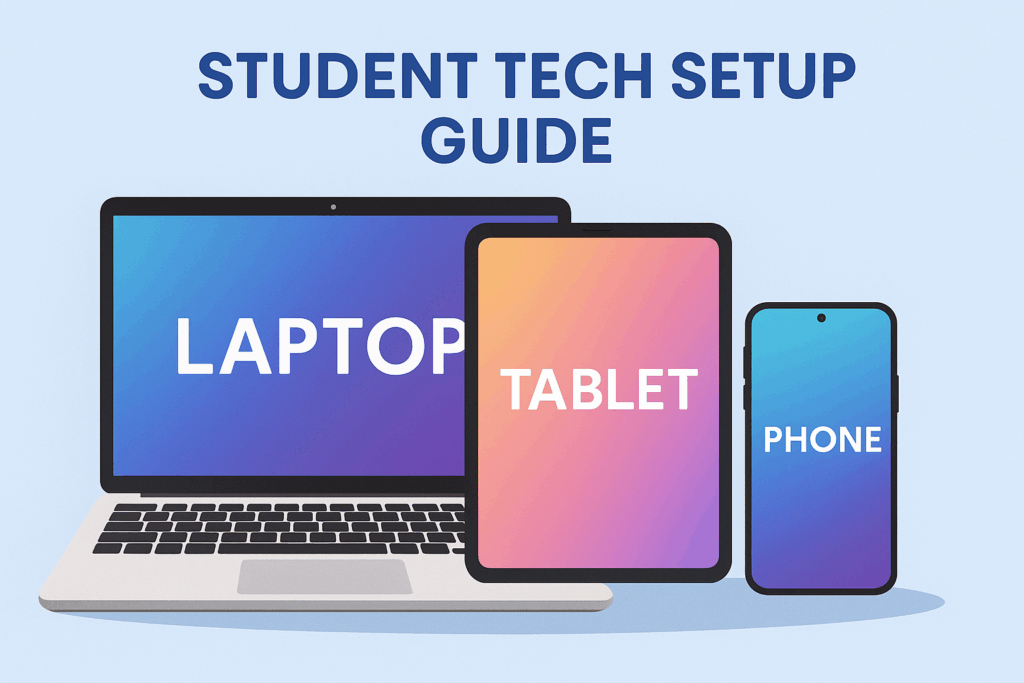
⚡ How These Devices Work Together
- Laptop: Handles essays, coding, and presentations.
- Tablet: Manages notes, textbooks, and reading.
- Phone: Keeps you connected and ready on the go.
Consequently, when you combine all three, you’ll always have the right tool for every situation. Meanwhile, syncing between devices has become smoother than ever, allowing you to switch tasks effortlessly.
🎓 Final Thoughts
A student’s life in 2025 is digital first. Investing in the right Laptop + Tablet + Phone setup will save you time, boost productivity, and make your school experience smoother.
👉 Ready to explore the best picks? Start with our Latest Reviews and Comparisons to find the perfect devices for your setup.